 Windows 8 powers different types of devices with advanced technologies that deliver premium user experiences, all on a robust and more secure platform.
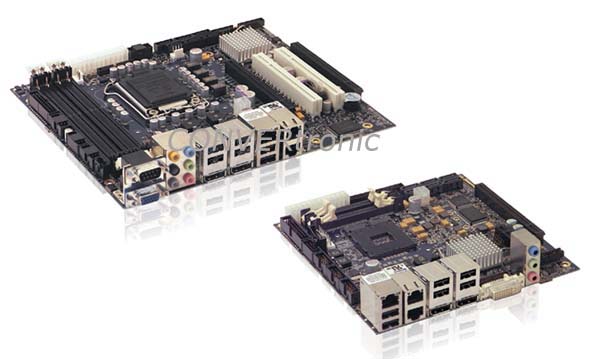
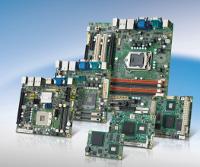
As a long-term Gold Partner with Microsoft, Advantech offers a complete product line fully compatible with Windows 8, including COM (Computer-on-Modules), single-board computers, industrial motherboards, and unpowered embedded PC boxes. The application of Microsoft Windows Embedded software products on Advantech platforms provides the most effective support to the embedded computing community in scenarios such as POS (point-of-sale) terminals, kiosks, ATMs, digital signage, medical diagnostic devices, and portable industrial devices and tablets.
Main features of Windows 8:
- Natural User Interface (NUI)
On touch-sensitive devices, things you can do with a mouse and keyboard are easily done with taps. Switch between apps, organize your home screen, zoom in and out. With the touch keyboard, you can navigate, type, and interact on the go.
Connected to the cloud:
Sign up and your Windows 8 device becomes truly yours because your personalized settings, desktop background, and information are all there. Whether you configure it your way or change it often, when you sign in, your synced cloud device lights up with everything that makes Windows yours. And anyone you share your Windows 8 device with can now have their own personalized, cloud-connected access by signing up with their own Microsoft accounts.
- Windows To Go
Windows To Go allows businesses to set up a complete corporate environment - which people can boot and run on multiple computers - on a USB drive.
Secure Boot
is a Unified Extensible Firmware Interface (UEFI) feature that replaces the BIOS and can verify the integrity of operating system files using public-key cryptography, preventing unauthorized operating systems and applications from running at startup.
Microsoft has extensively redesigned the Windows 8 user interface with optimizations for touchscreens, as well as keyboards and mice. The new Start screen is similar to the Windows Phone family of mobile operating systems and includes application tabs. The Start menu has been replaced by the Start screen and is activated by the Windows key. Clicking a "hot corner" in the lower-left corner (replacing the Start button) displays the Start screen at startup, or the user can go to the desktop via a tab on the Start screen or by launching the desktop application.
Examples of devices:
• Point of sale terminals
• Kiosks
• ATMs
• Digital signage
• Medical diagnostic devices - X-ray or CAT scan machines
• Industrial handhelds and tablets
Runtime SKUs
In Windows 8, there are two SKUs, Windows 8 and Windows Pro 8.